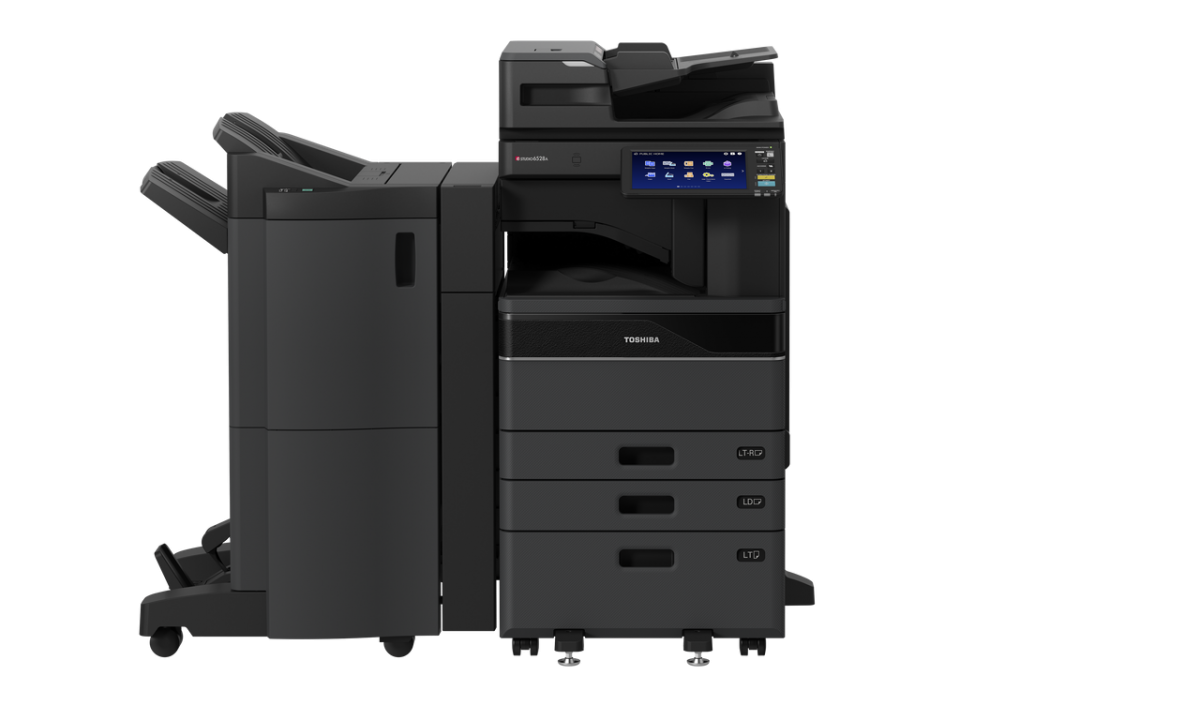
Advanced e-BRIDGE Next Technology
Toshiba’s next-generation e-BRIDGE architecture features an embedded web browser, 4 GB RAM and the Toshiba secure solid-state drive (SSD) enabling the MFD to easily drive Toshiba’s internally developed solutions or even third-party applications.
OCR Is Now Standard
OCR is now standard on all the new models to help you accelerate your digital transformation journey. It is available for all native scan functions and embedded applications. Not to mention that it is 23% faster than its predecessor with improvements to character recognition and layout for easy editing in docx, xlsx & pptx formats.
Peace of Mind Security
Toshiba offers various options for securing your data and documents to help you meet today’s increasing digital challenges.
These security measures fall into three main categories:
- Access security – e.g. role-based access, PIN or card authentication
- Document security – e.g. secure PDF, secure print release, hard copy security
- Device security – e.g. Self-Encrypting SSD or FIPS Certified Security HDD, BIOS level security, TPM 2.0 and anti-malware
All e-BRIDGE Next models fulfil the highest security standards to protect your data from unauthorised access, conform with the Hardcopy Devices Protection Profile (HCD-PP) and achieved Common Criteria (CC) Certification.
Ready When You Are
To save power yet reduce the wait time, there are now 4 triggers to wake up the devices from sleep mode. These include:
- When you activate the MFD with ID Card Authentication
- When you touch LCD or any keys
- When you lift DF or platen
- When you place documents in the document feeder
Streamline your everyday tasks with ease through Toshiba’s innovations in embedded app technologies and connect directly with popular cloud and on-premise platforms right at the panel.
For more information, please browse our Solutions page.
Flexibly Meeting Diverse Work Style Needs
For easier MFD use, the new series features a smartphone-like user interface that offers improved operability, enhanced printing and scanning functions, voice guidance, and a new motion sensor function.
The user interface can be customised with individualised settings to exactly match each user’s workstyle and requirements for enhanced productivity.
Next Level Efficiency
The new series’ enhanced integration with cloud services and mobile devices, makes it easier for each user to access information and data anytime, anywhere, as needed.
An extra advantage is that administrators can manage and maintain devices remotely, improving their efficiency as well as that of users.