UI Customisation


Key Highlights

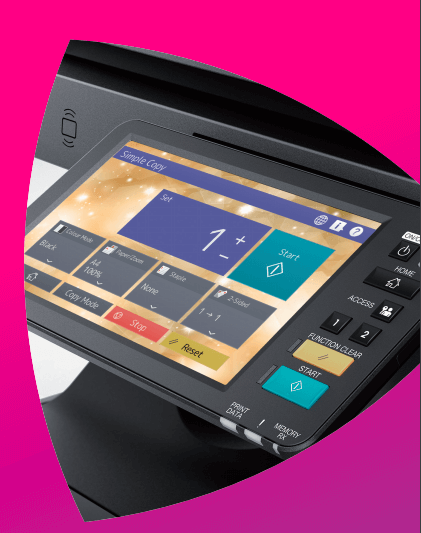
The Toshiba Customisable User Interface is a smartphone-like touch screen that can be customised on an individual basis. The desired design can be chosen from 16 different background types. The appropriate font size and colour for the background can be selected on the Home Screen, with almost all screen being customisable into designs of your choice. Choose from 8 different colour themes, with icons able to be shown or hidden, based on the workflows.

Your Challenges

  • Various workflows are needed because different tasks must be done by different divisions and individuals in the same company.
  • MFPs shared by a number of members have a lot of functions to perform these tasks. That’s why operations may be complicated and cumbersome.
  • I wish the user-friendly control panel could be customised for individual tasks.


Our Solutions

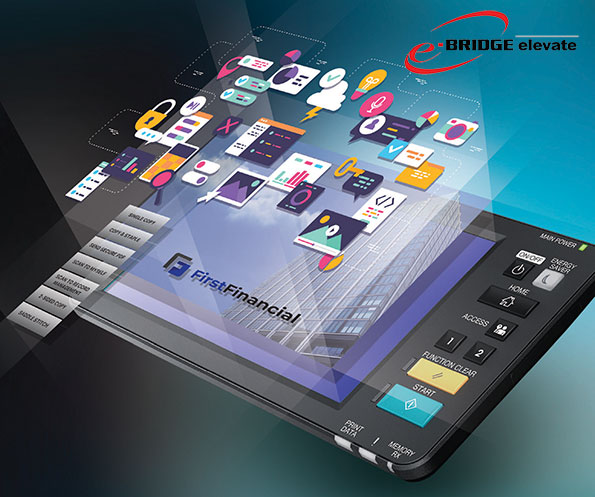
  • The Toshiba Customisable User Interface (UI) allows you to change the backgrounds and colour themes to your desired ones.
  • Change icon names and sizes, as well as the font sizes and colours for ease of operation.
  • Function icons not in use can be hidden.
  • The operation screen is simplified to improve operational efficiency and to allow the administrator to control the use of MFPs.