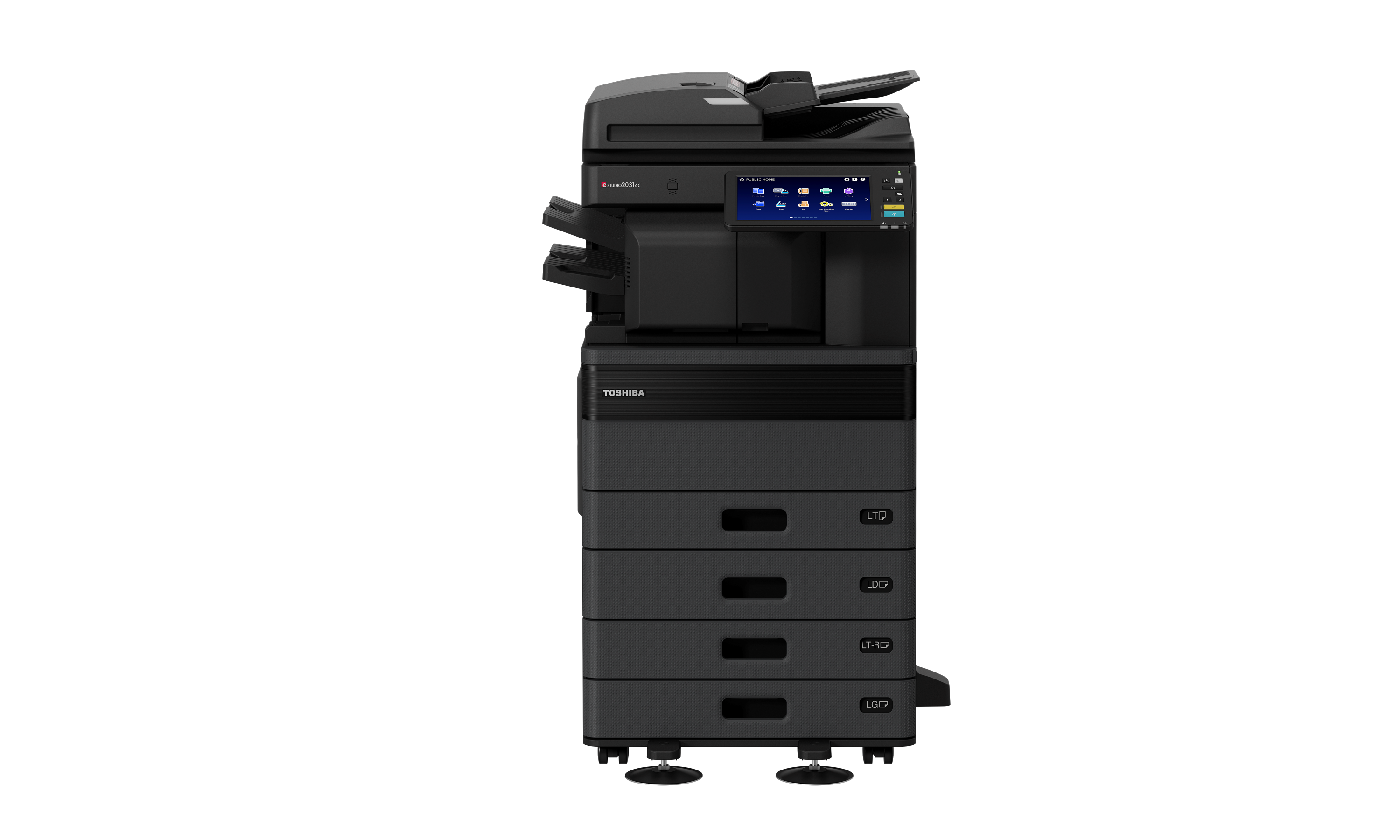
Professional A3 Colour for Everyday Business
Create polished reports, proposals, presentations and customer communications in professional colour or monochrome. The e-STUDIO2031AC supports both everyday A4 documents and larger A3 formats, giving businesses greater flexibility to produce essential materials in-house.
- Produce professional colour business documents in-house
- Handle both A4 and A3 document requirements
- Present charts, reports and customer materials clearly
- Support everyday colour and monochrome office work
Intuitive 10.1-inch Colour Touch Panel
Access print, copy, scan and supported workflow functions through a large 10.1-inch multi-touch colour panel. The familiar, tablet-style interface and personalised one-touch templates make frequently performed document tasks easier to access.
- Navigate commonly used functions more easily
- Save preferred settings for recurring tasks
- Personalise workflows for different users
- Move confidently between print, copy and scan functions
Flexible Digital Document Workflows
Convert paper records into digital information and route scanned documents directly to supported destinations. The e-STUDIO2031AC supports scanning to email, file locations, USB storage and Toshiba e-Filing, helping information move from paper into everyday business workflows.
- Send scanned documents directly to email recipients
- Save files to network locations or USB storage
- Store and retrieve documents through Toshiba e-Filing
- Reduce the need to transfer scanned files through a separate computer
OCR and Searchable Document Creation
Use OCR functionality to convert scanned content into searchable document formats. Searchable files make business information easier to locate, review, archive and reuse. The specification also lists supported editable formats including DOCX, XLSX and PPTX, subject to the applicable configuration.
- Make information within scanned documents searchable
- Locate archived records more conveniently
- Support digital filing and document retrieval
- Convert selected paper-based information into reusable files
Convenient Mobile and Network Printing
Print from compatible smartphones and tablets using supported mobile printing technologies, including Apple AirPrint and Mopria. Standard network connectivity allows the e-STUDIO2031AC to serve as a shared multifunction printer for office workgroups.
- Print from compatible mobile devices
- Support shared printing across connected workgroups
- Give users more ways to access office printing
- Reduce dependence on a single desktop workstation
Practical Security for Business Documents
Help protect sensitive information with user and role-based controls, Private Print, Secure PDF scanning and encrypted Security SSD storage. Private Print holds selected jobs for controlled release, reducing the risk of confidential pages being left unattended at the device.
- Help restrict device functions to authorised users
- Hold confidential print jobs for controlled release
- Protect scanned documents using Secure PDF
- Safeguard information processed and stored by the device
- Support organisational network and document-security policies