
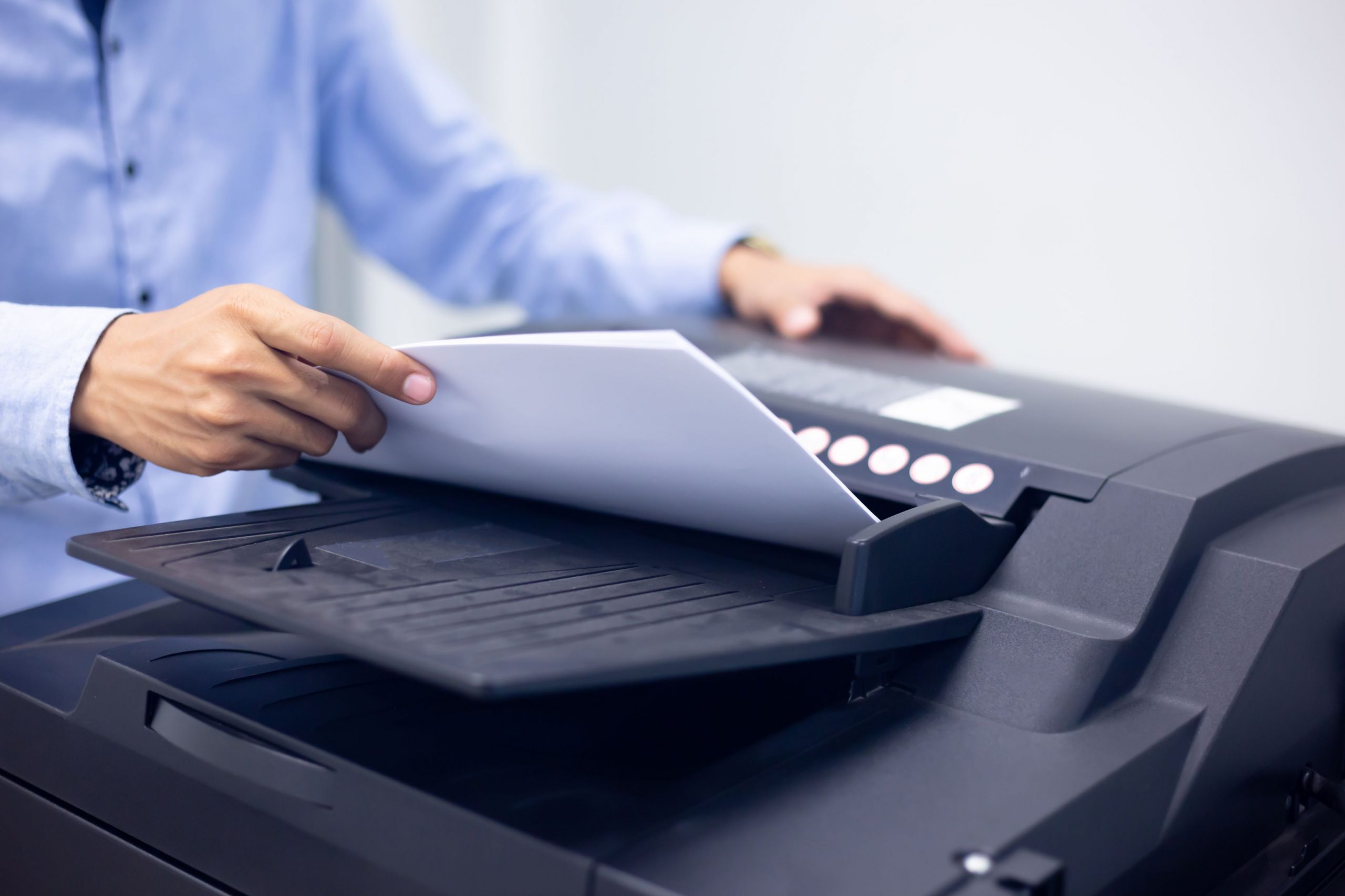
Monochrome multifunction printers are a versatile, efficient, cost-effective solution to streamline printing needs. Whether you run a bustling office, a growing business, or simply want to upgrade your home office setup, a mono multifunction printer is a game-changer. Gone are the days of cluttered desktops with separate devices for printing, scanning, copying, and faxing.
This blog will discuss the features and benefits of these printers, guiding you through why they are the ideal printing companions for your business needs.
What are the benefits of a mono multifunction printer?
1. Unleashing efficiency with speed and precision
One of the standout features of these printers is their impressive printing speed and precision. With advanced laser technology, these printers can produce high-quality prints at breakneck speeds, ensuring your documents are ready when needed. Whether it's a last-minute presentation or a stack of invoices, the mono MFP will keep up with your business's demands and maintain the highest standards of quality and clarity.
2. Simplify Workflow with automated document handling
Mono MFPs take efficiency to the next level with their automated document-handling capabilities. From automatic document feeders (ADFs) to double-sided printing, these devices streamline your workflow by reducing the need for manual intervention. With the push of a button, you can effortlessly scan or copy multi-page documents, saving valuable time and effort. Moreover, the double-sided printing feature helps reduce paper consumption and contributes to your office's eco-friendly initiatives.
3. Embrace connectivity and mobility
In today's fast-paced business environment, connectivity is paramount. Mono multifunction printers have various connectivity options that ensure seamless integration into your office ecosystem. From USB and Ethernet ports to Wi-Fi and mobile printing support, you can print and scan from virtually any device, be it a computer, smartphone, or tablet. Embrace the convenience of mobile printing and stay productive even while on the go.
4. Enhanced security and control
Protecting sensitive business information is crucial, and mono MFPs have covered you. These devices have advanced security features such as secure printing and user authentication, ensuring that only authorized personnel can access sensitive documents. Additionally, monitoring and controlling printing activities allows you to track usage, allocate costs, and optimize your printing resources, contributing to a more cost-effective and secure printing environment.
5. Space-saving and cost-effective solutions
A mono multifunction printer is the perfect solution for businesses looking to optimize office space and reduce equipment costs. Combining multiple functions in a single device frees up valuable office real estate that separate printers, copiers, and scanners would otherwise occupy. Furthermore, the consolidation of equipment translates into cost savings in terms of maintenance, supplies, and energy consumption, making mono MFPs an economically smart choice for businesses of all sizes.
Key Mono multifunction features to explore
● Printing Functionality: As the heart of a monochrome multifunction printer, the printing functionality boasts high-resolution output, ensuring every text document stands out with clarity and precision.
● Scanning Functionality: The built-in scanner allows you to digitize paper documents quickly, converting them into electronic files for easy archiving and sharing. Some models have automatic document feeders (ADFs) for scanning multiple pages efficiently.
● Copying Functionality: Need multiple copies of an important document? The copying feature on this printer makes it a breeze. You can duplicate documents in a snap, saving you time and effort.
● Faxing Functionality: Despite living in the digital age, faxing remains relevant in certain industries. A mono multifunction device with faxing capabilities ensures you can send and receive faxes without needing a separate machine.
● Network Connectivity: Many monochrome multifunction devices offer connectivity options, allowing multiple users to connect and use the printer over a shared network. This fosters collaboration and enhances productivity in a busy office setting.
● Mobile Printing: With the increasing reliance on mobile devices, these printers cater to this need by enabling mobile printing options. Whether using a smartphone, tablet, or laptop, you can print wirelessly from anywhere within the office.
How to make the best pick
So now that you know how beneficial and advanced these devices are, you are probably wondering how to choose one that best fits your needs. The whole process does not have to be a headache, especially if you go about it like you would when trying to figure out which phone to purchase when it’s time for an upgrade.
Much like when choosing your next cell phone, you have to consider what you need from your printer and slowly eliminate your options based on the answers you gather.
Consider the following criteria to choose your ideal monochrome multifunction printer:
Print Volume: Evaluate your typical monthly print volume to determine the printer's duty cycle. Choosing a printer that can handle your workload efficiently is crucial for optimal performance.
Printing Speed: Depending on your business needs, printing speed can significantly impact productivity. Ensure the printer can keep up with your demands without sacrificing print quality.
Paper Handling Capacity: Consider the printer's paper input and output trays to gauge its ability to handle various paper sizes and types. A versatile paper handling system will save you from constant manual adjustments.
Connectivity Options: Is your office usually buzzing with activity? You may find that sometimes it’s easier to use remote features like email to print for those days when everyone needs the printer.
Assess the connectivity options available – USB, Ethernet, Wi-Fi, and mobile printing compatibility. Opt for a model that seamlessly integrates with your existing infrastructure.
Security Features: Data security is paramount in the business world. Choose a printer with robust security features, such as user authentication and encryption, to protect sensitive information.
Get a high-quality monochrome printer from Toshiba
Choosing a monochrome multifunction printer from Toshiba is a wise choice that can significantly enhance your printing experience. Toshiba's reputation as a leader in the industry is well-founded, and its monochrome printers uphold this legacy. With cutting-edge technology, sleek design, and an array of advanced features, these printers demonstrate Toshiba's commitment to delivering top-notch printing solutions.
Investing in a Toshiba mono printer translates to heightened efficiency and productivity. The sharpness and clarity of monochrome prints ensure that every document conveys a professional and polished impression, perfect for business materials, reports, or presentations. Moreover, Toshiba's printers are engineered for reliability, reducing downtime and maintenance hassles, allowing you to focus on your core tasks without interruptions.
Whether you're a small business, a home office user, or part of a larger corporate environment, Toshiba's monochrome printers offer versatile options to cater to your specific needs. By choosing Toshiba, you're not only acquiring a device; you're entering into a realm of consistent, high-quality printing that reflects your dedication to excellence.
In essence, a Toshiba printer is more than just a piece of office equipment; it's a strategic investment that pays dividends in terms of efficiency, professionalism, and overall printing satisfaction. Elevate your printing capabilities today with
